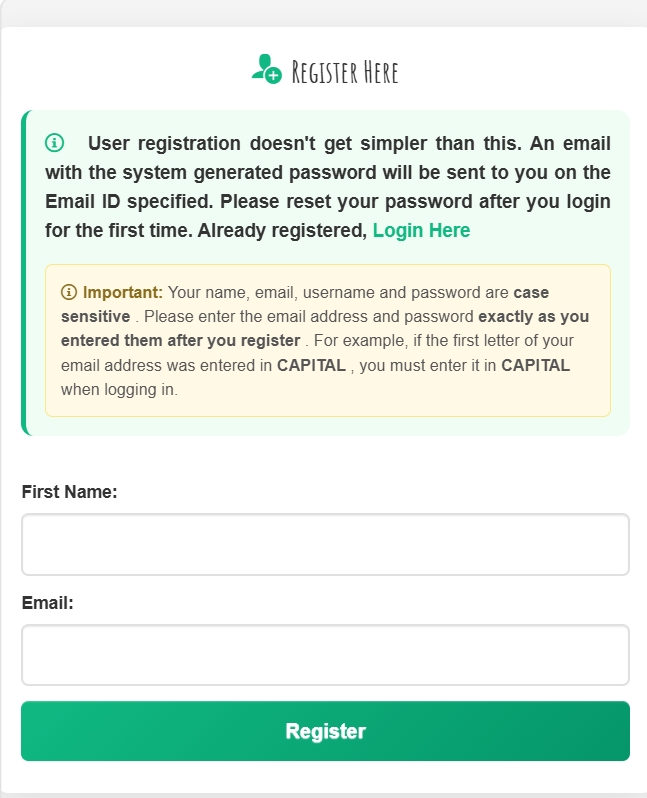
To register for a new user – Click on the Register button on the top left section on the screen.
Enter valid First Name.
Enter a proper and valid email ID.
This is mandatory and an un‑registered (not used previously) email address is required for the user to create users login. The system does not use the same email IDs.
Remember: this information is case sensitive.
Once registered, you will receive an email and on the next screen you must copy your
Email ID and password. Remember both are case sensitive.
That is it! Now you can login with your new account.